Sci-fi art from a sentence or a photo
Describe a starship, an alien coastline or a city three centuries from now, pick one of 48 styles, and SciFi Art draws it. Then edit it in plain English, upscale it, or turn it into a short video.
Or start from one of these:
Sign in with Google for 2 free credits. A standard image costs 1.
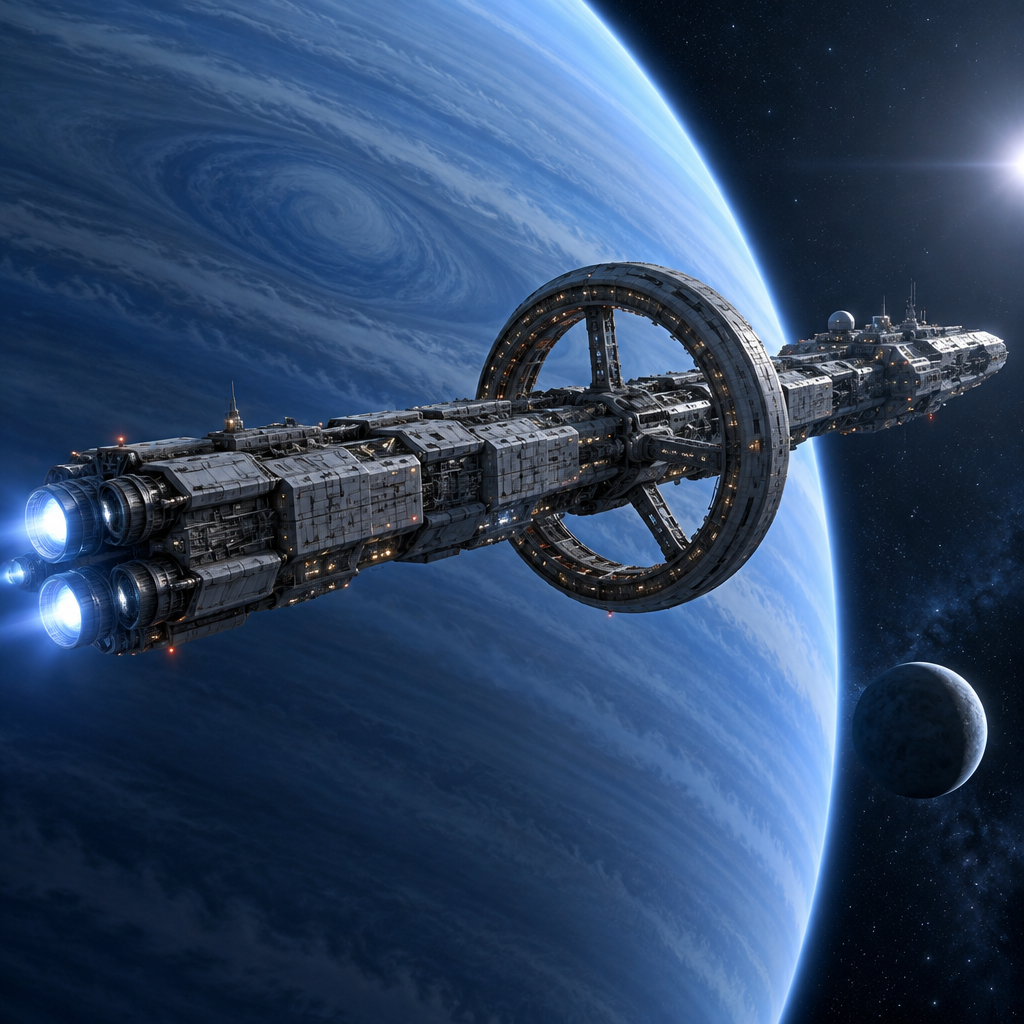
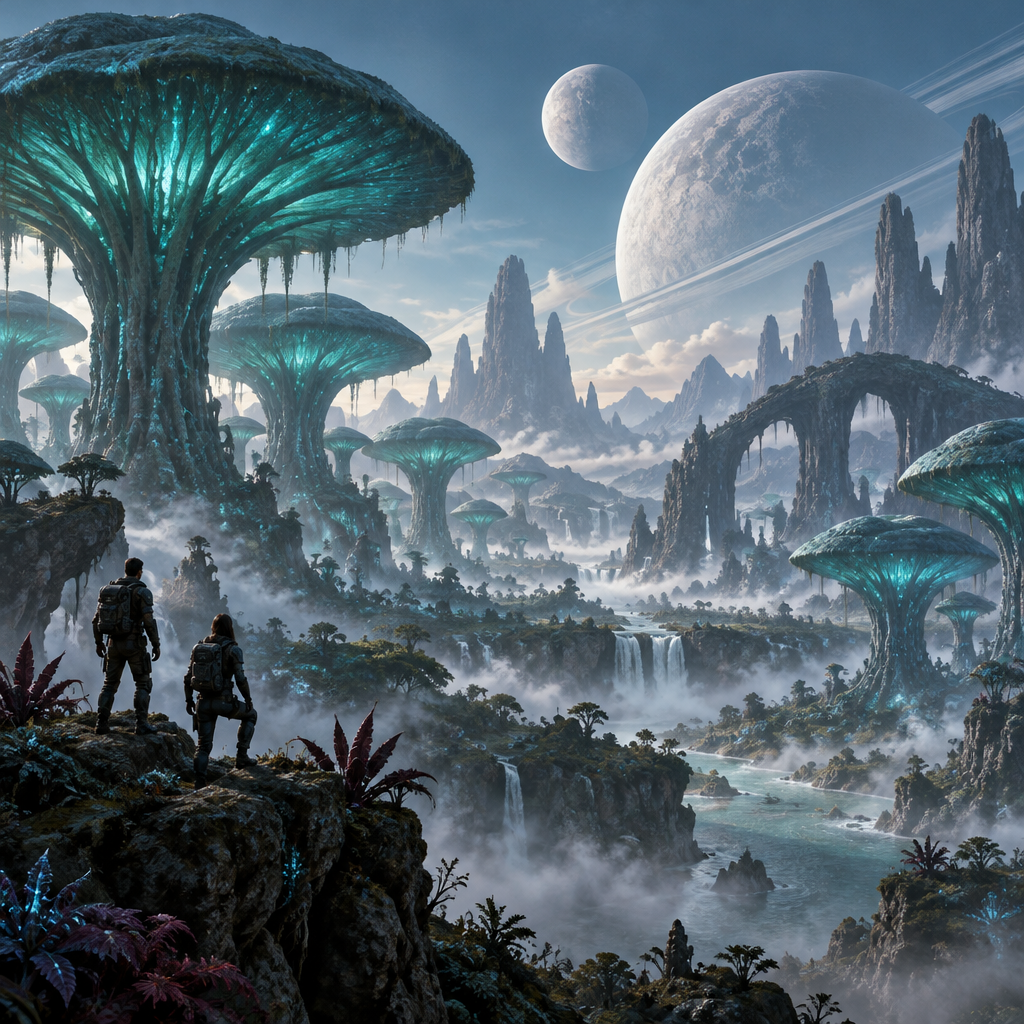
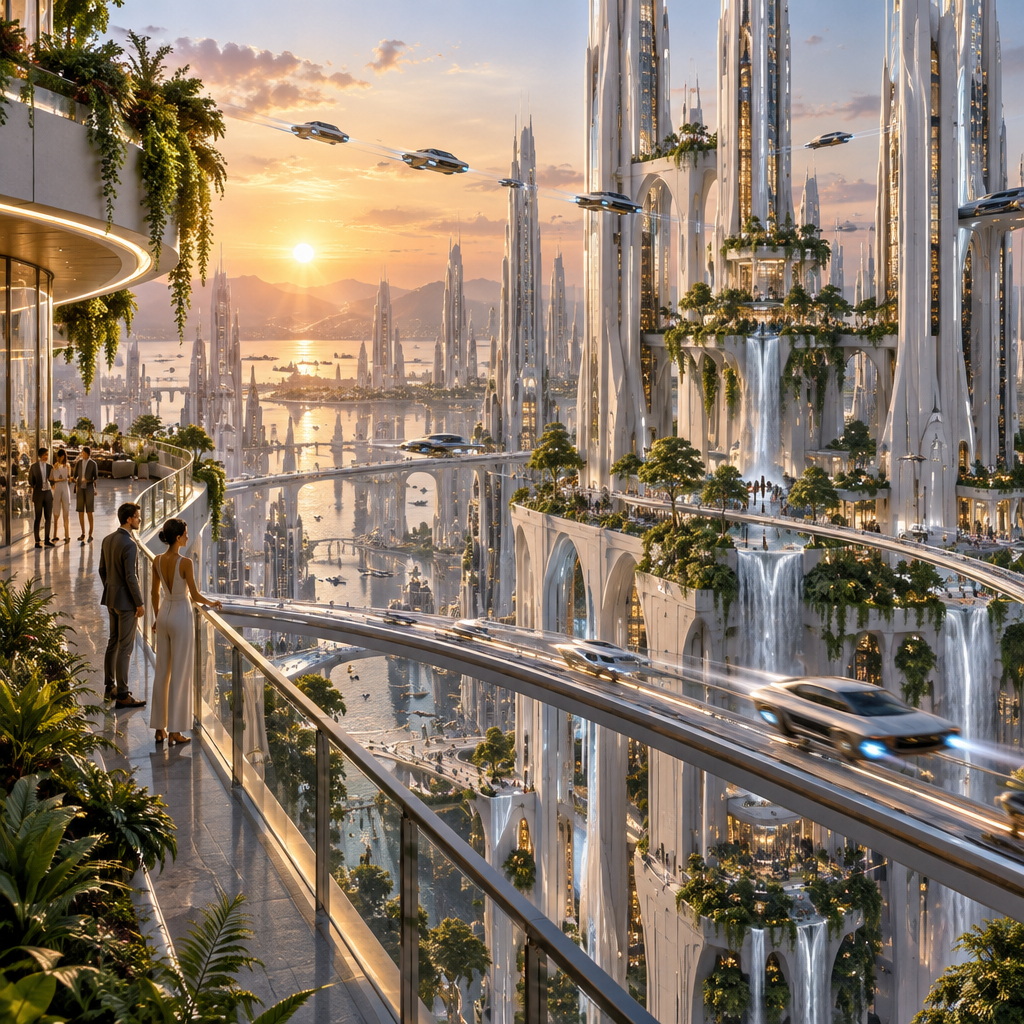
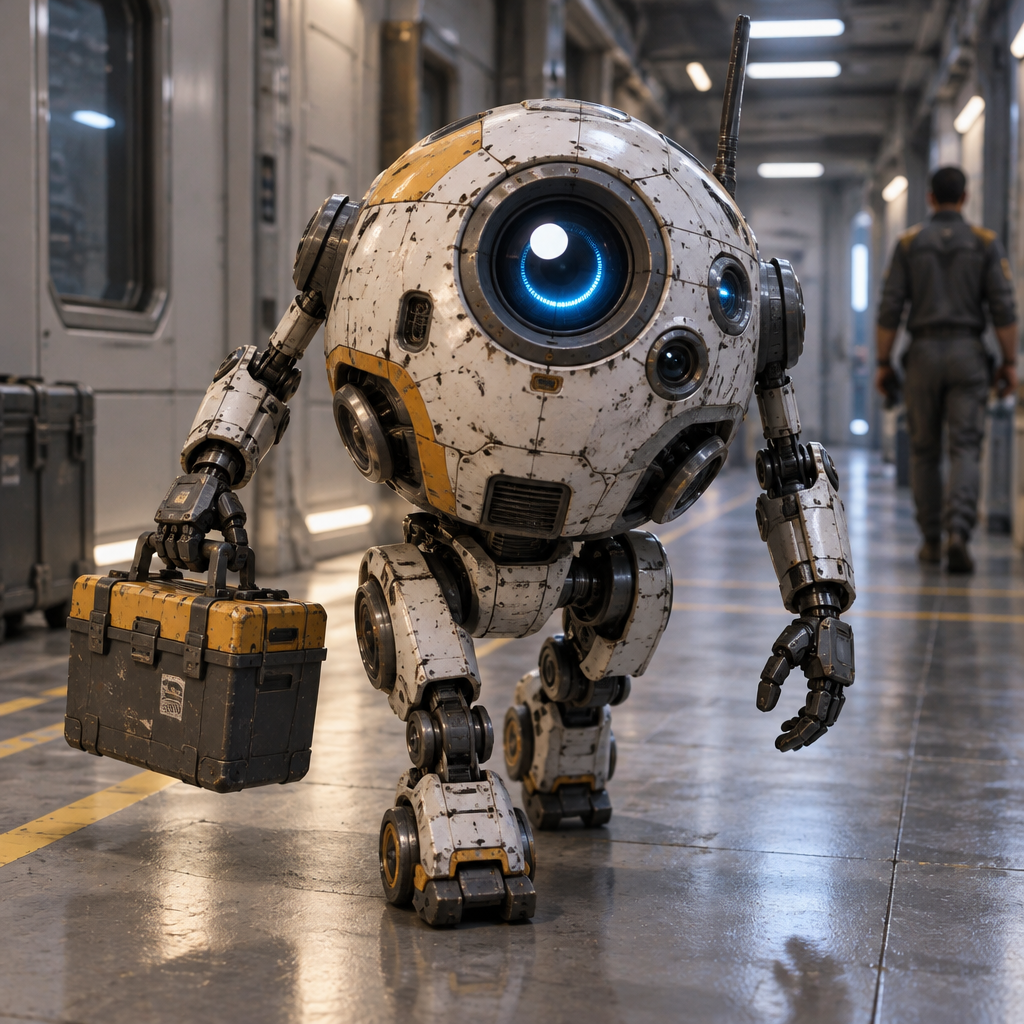
48 styles, from concept art to pulp covers
Sub-genres like solarpunk and dieselpunk, subjects like mecha and megastructures, and formats like blueprints, book covers and mission patches. Every style works with text, photos and video.
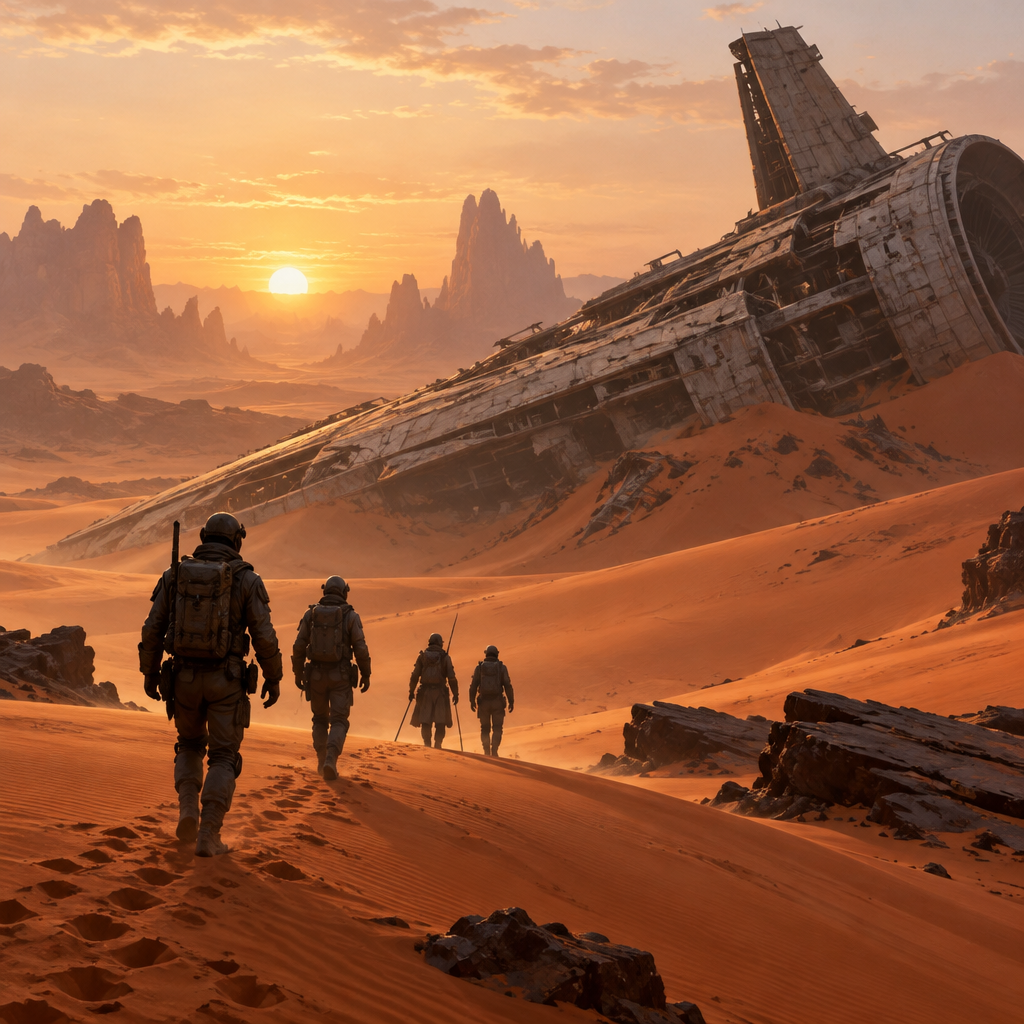
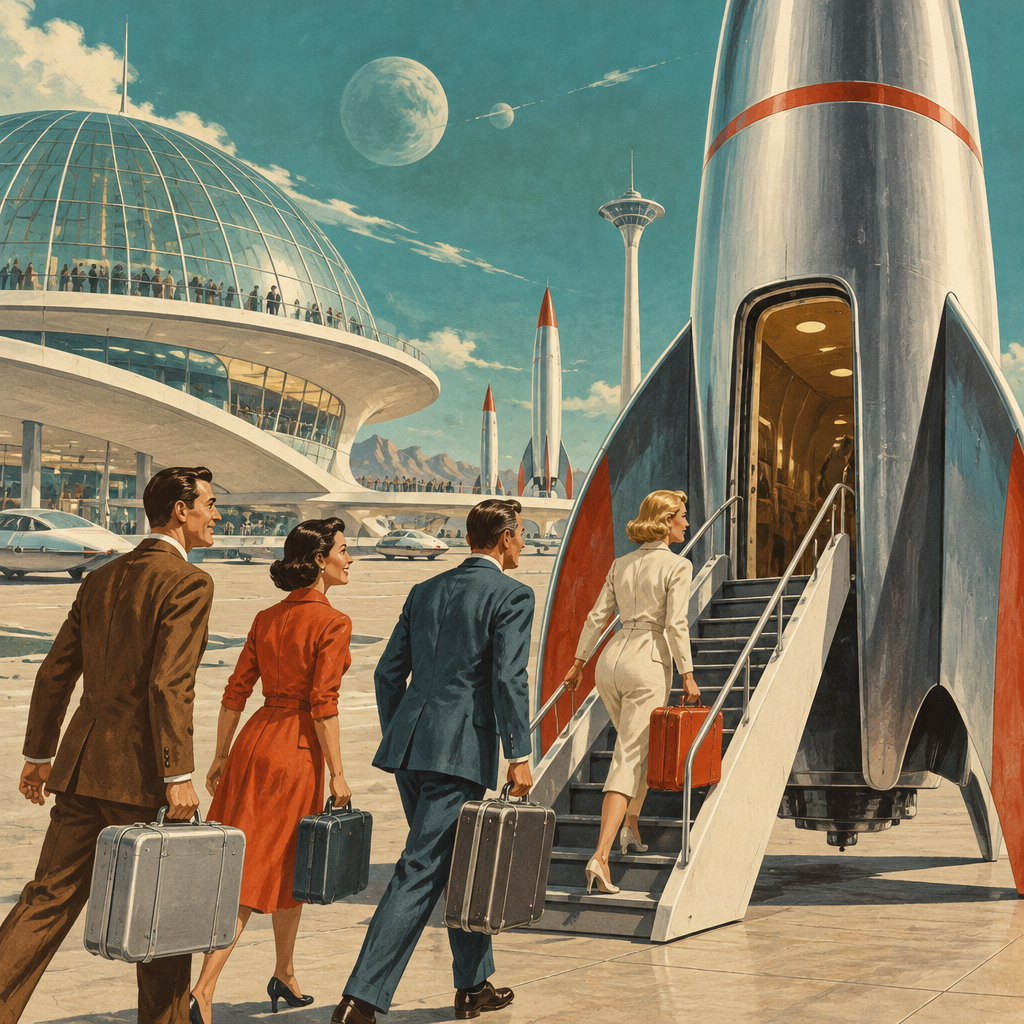
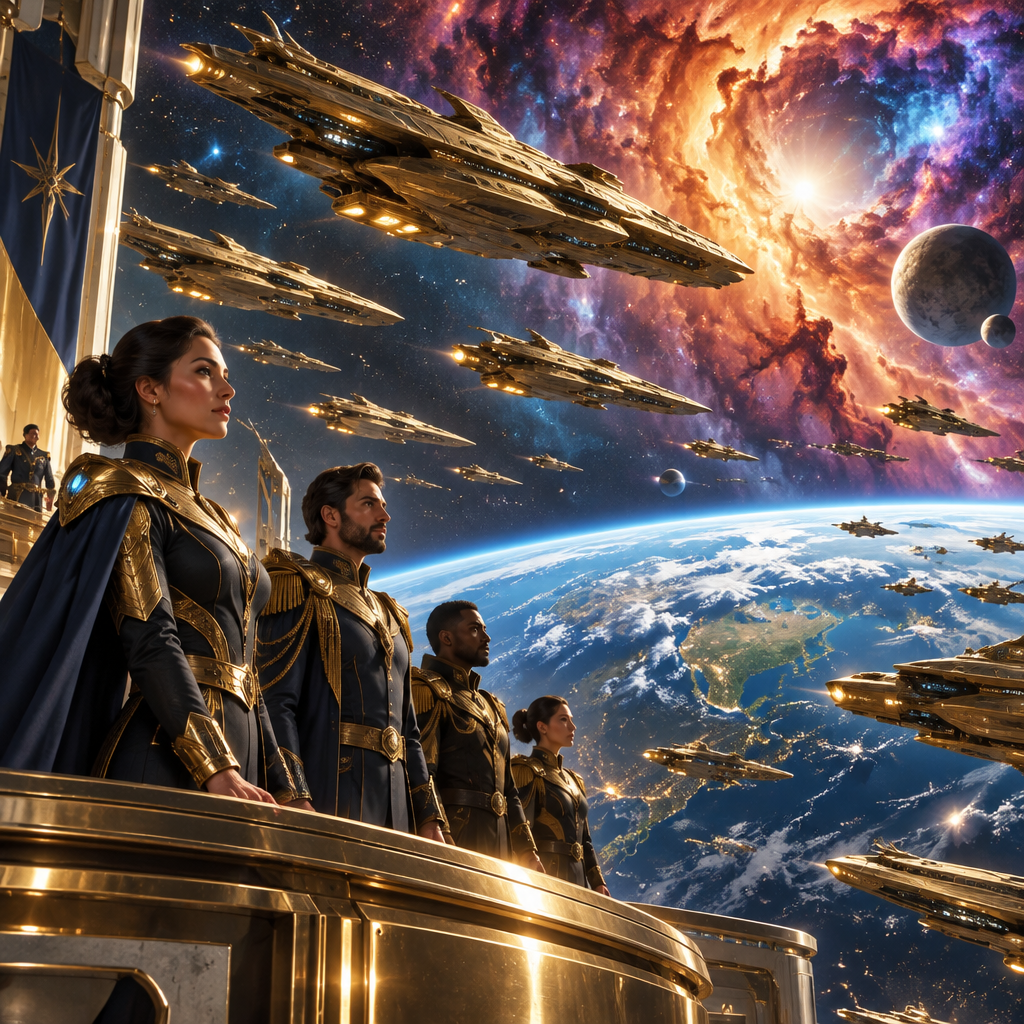
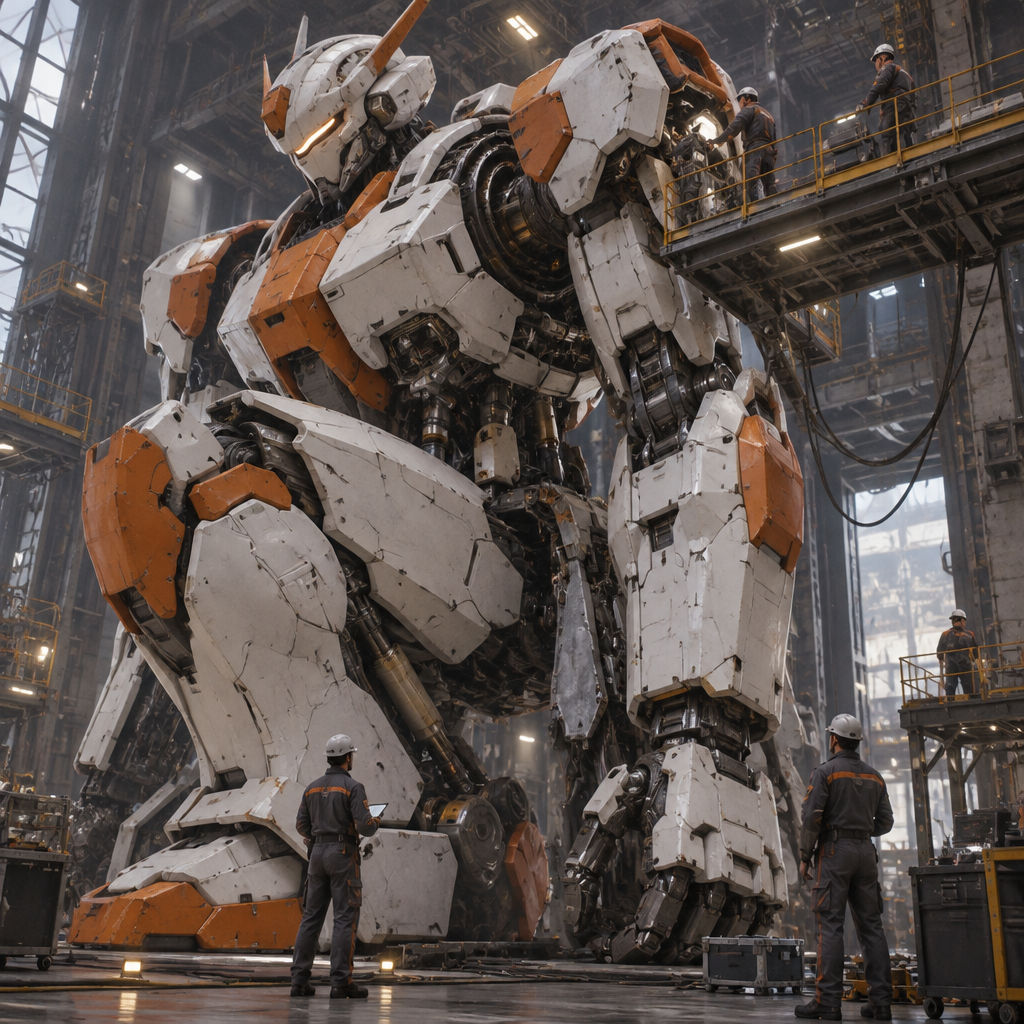
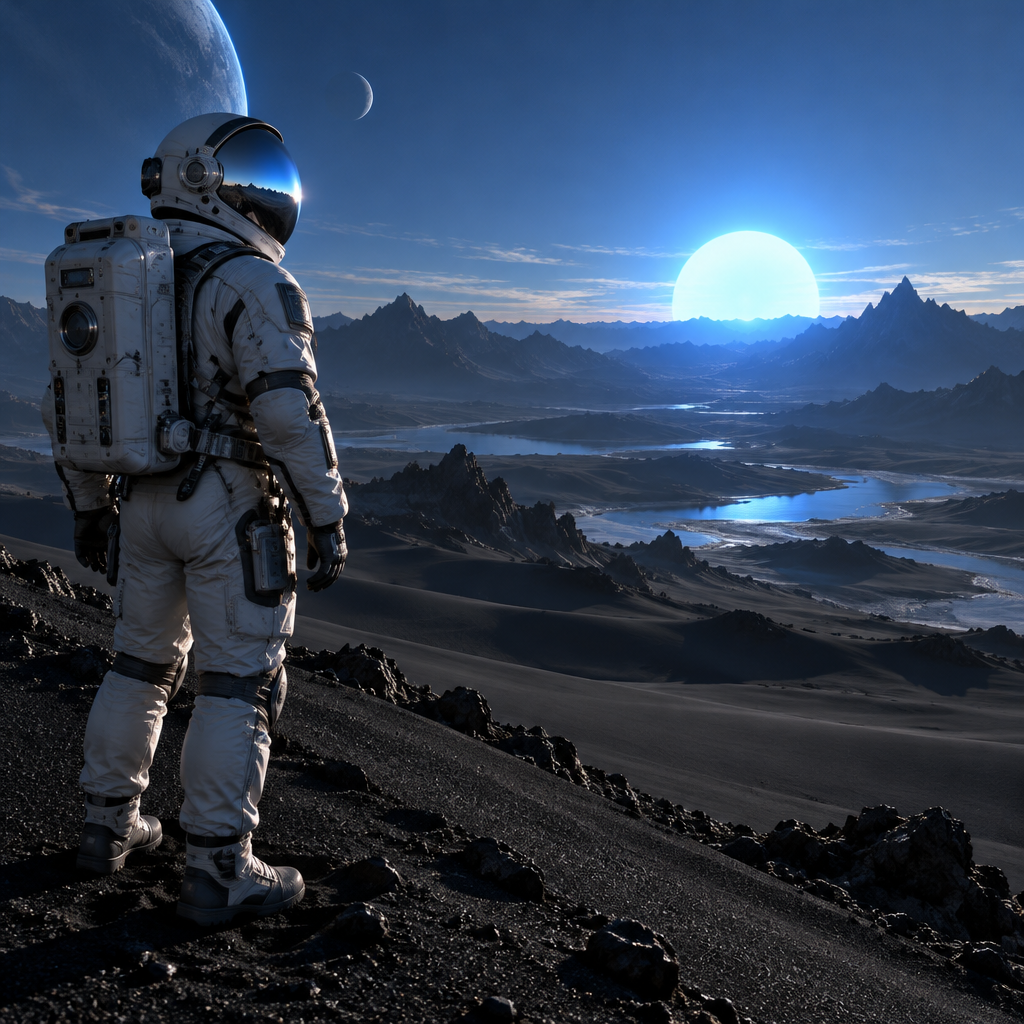
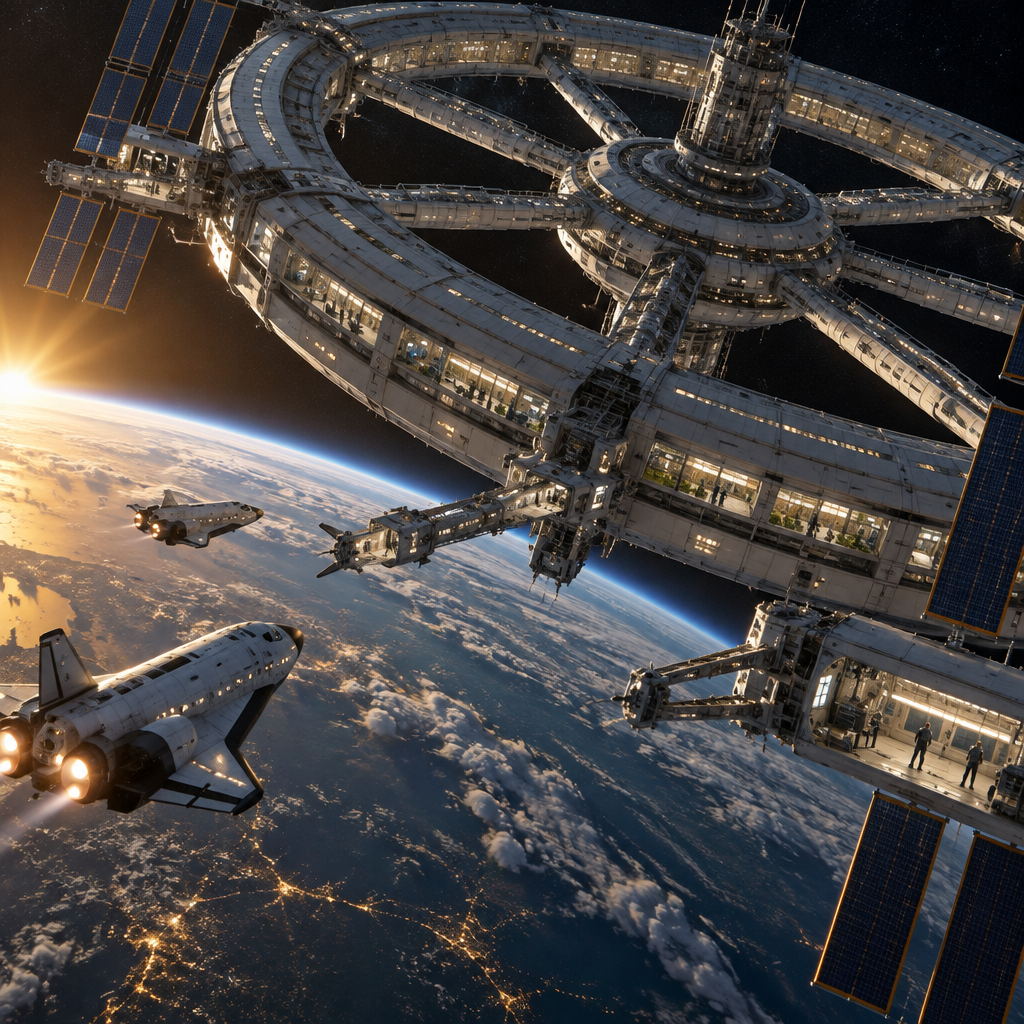
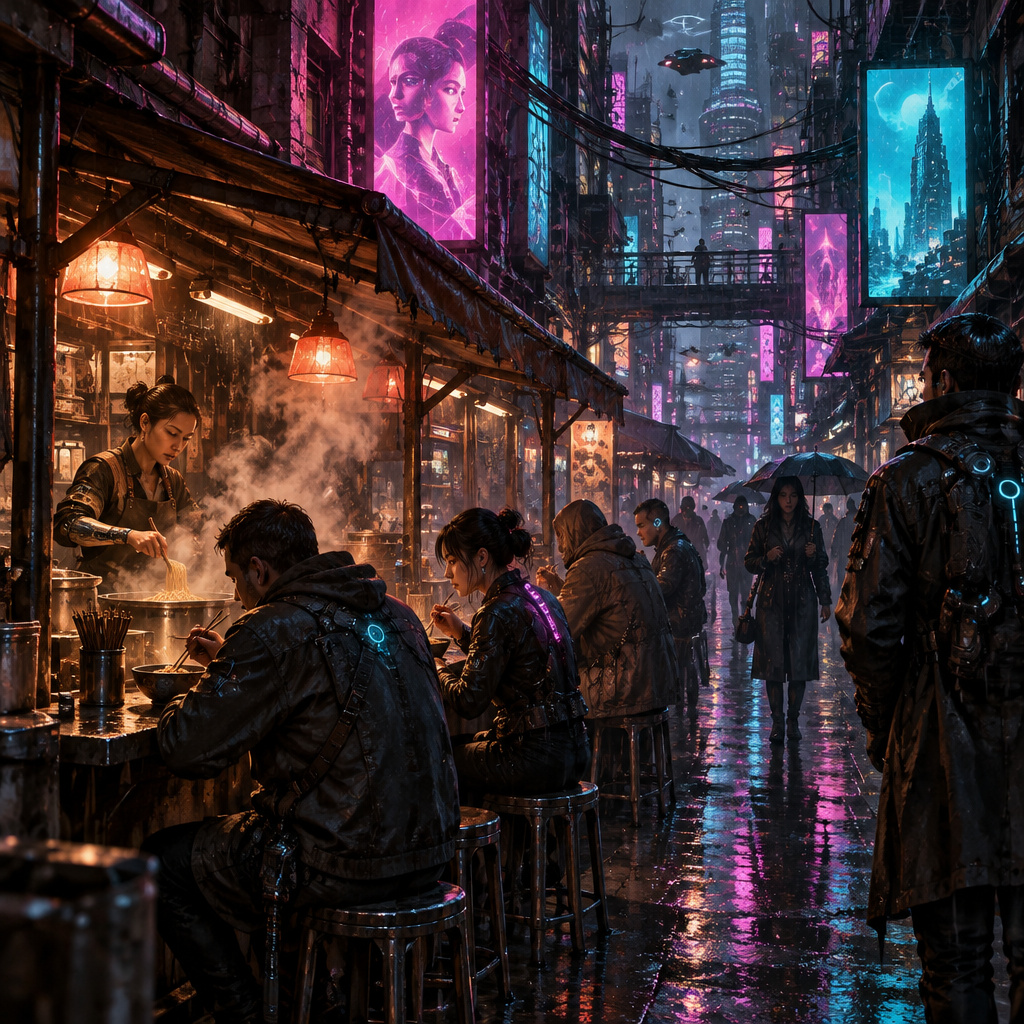
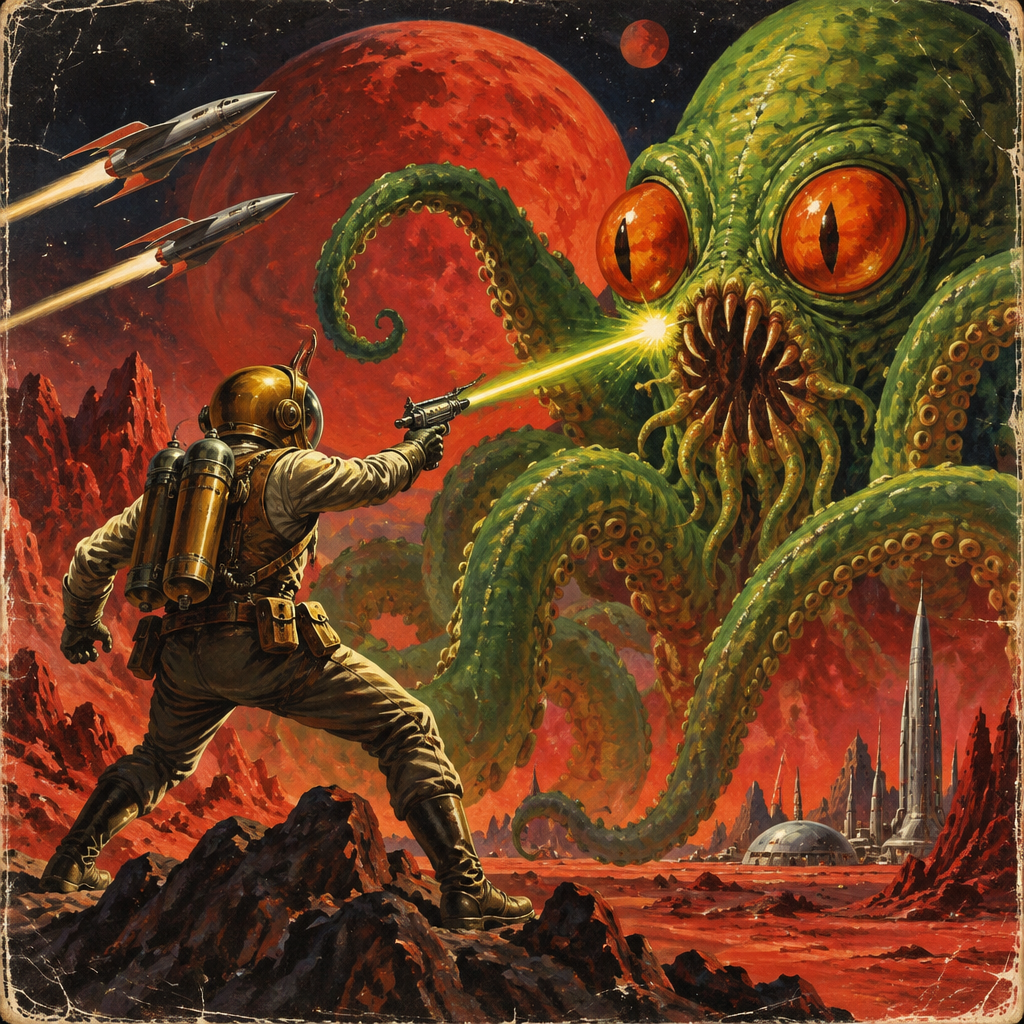
Community gallery
Public artwork shared by people using SciFi Art. Open any piece for a closer look.
Nothing here yet
Be the first to create one.
Four ways to work
From a description
Write the scene in a sentence or two and choose a style. A standard image costs 1 credit.
Open the studioFrom a photo
Upload a picture and have it redrawn as science fiction: a portrait as an android, a street as a future city.
Upload a photoAs a video
Generate a clip from a prompt or animate an image you made. 4 to 15 seconds, up to 1080p, optional audio.
Make a videoEdit and upscale
Change any result with a written instruction, such as adding a second moon, then upscale it.
Open the studioQuestions
Create sci-fi artHow does SciFi Art work?
You write a description of a science fiction scene, or upload a photo, and choose one of 48 styles such as Concept Art, Spaceship, Retro-Futurism or Blueprint. The AI produces an image from that. Afterwards you can change it with a written instruction, upscale it, or turn it into a short video.
Is SciFi Art free to try?
Yes. Sign in with Google and your account starts with 2 free credits. A standard image costs 1 credit. After that, plans start at $9/month for 250 credits, and one-time packs start at $12 for 250 credits.
Can I turn a photo into sci-fi art?
Yes. Open the photo tab in the studio, upload a picture, pick a style and add a note about what you want. The AI redraws the photo in that style, and you can follow up with written edits.
Can I make sci-fi videos?
Yes. You can generate a video from a text prompt or animate an image you made. Clips run 4 to 15 seconds at up to 1080p, with optional audio. The credit cost is shown before you start.
Who owns the art I make?
You do. See our Terms of Service for the details. Copyright law for AI-made work varies by country, and nothing here is legal advice.